
Go-live promise
Go live in 2-6 weeks. In-house experts, not outsourced consultants, and no second project when you add modules later.
One operating layer for warehouse execution, food traceability, quality, production, maintenance, and ERP control — without replacing Sage 50 or your current ERP stack.
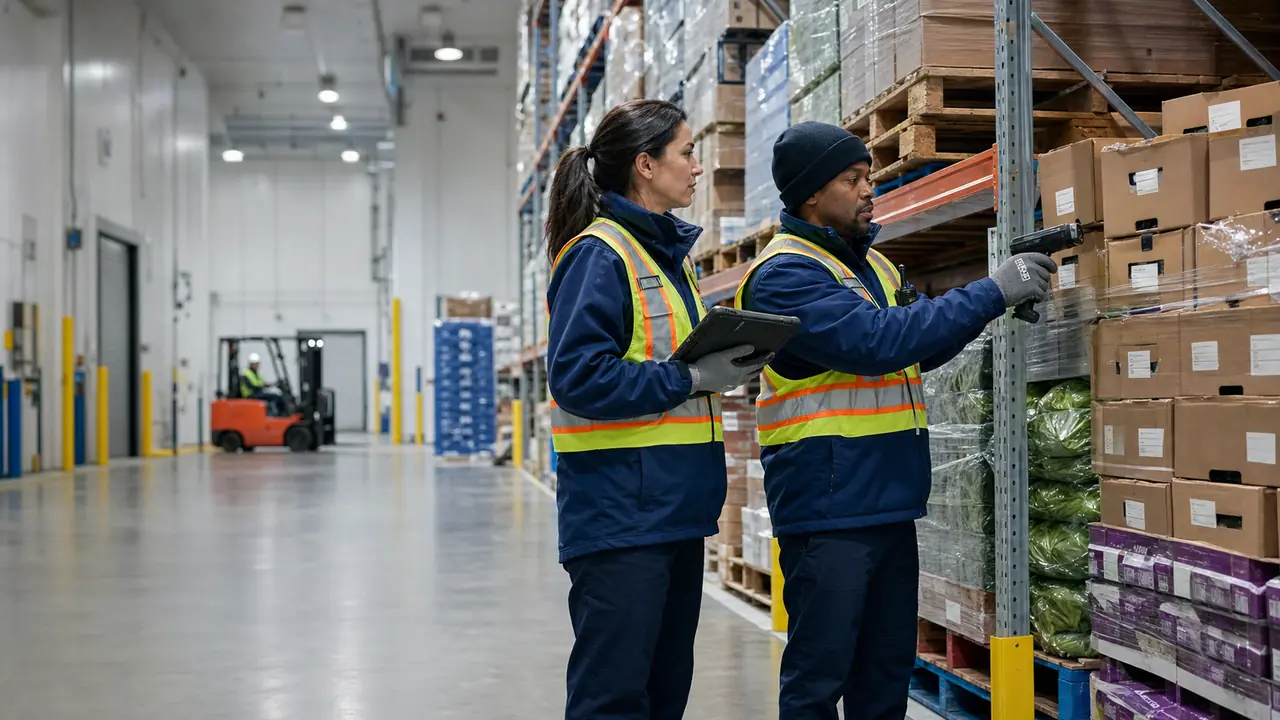
Implementation is handled by in-house experts who map your real warehouse, quality, production, and ERP flow — then deploy the right mix of desktop, PDA, web admin, reporting, labels, and integration surfaces without a consultant relay.
Go live in 2-6 weeks. In-house experts, not outsourced consultants, and no second project when you add modules later.
No surprise fees, no core feature paywalls, and no penalties for scaling from WMS into quality, production, maintenance, or compliance.
It connects ERP, floor execution, quality, compliance, and reporting in one operating system.
 01Dock intake
01
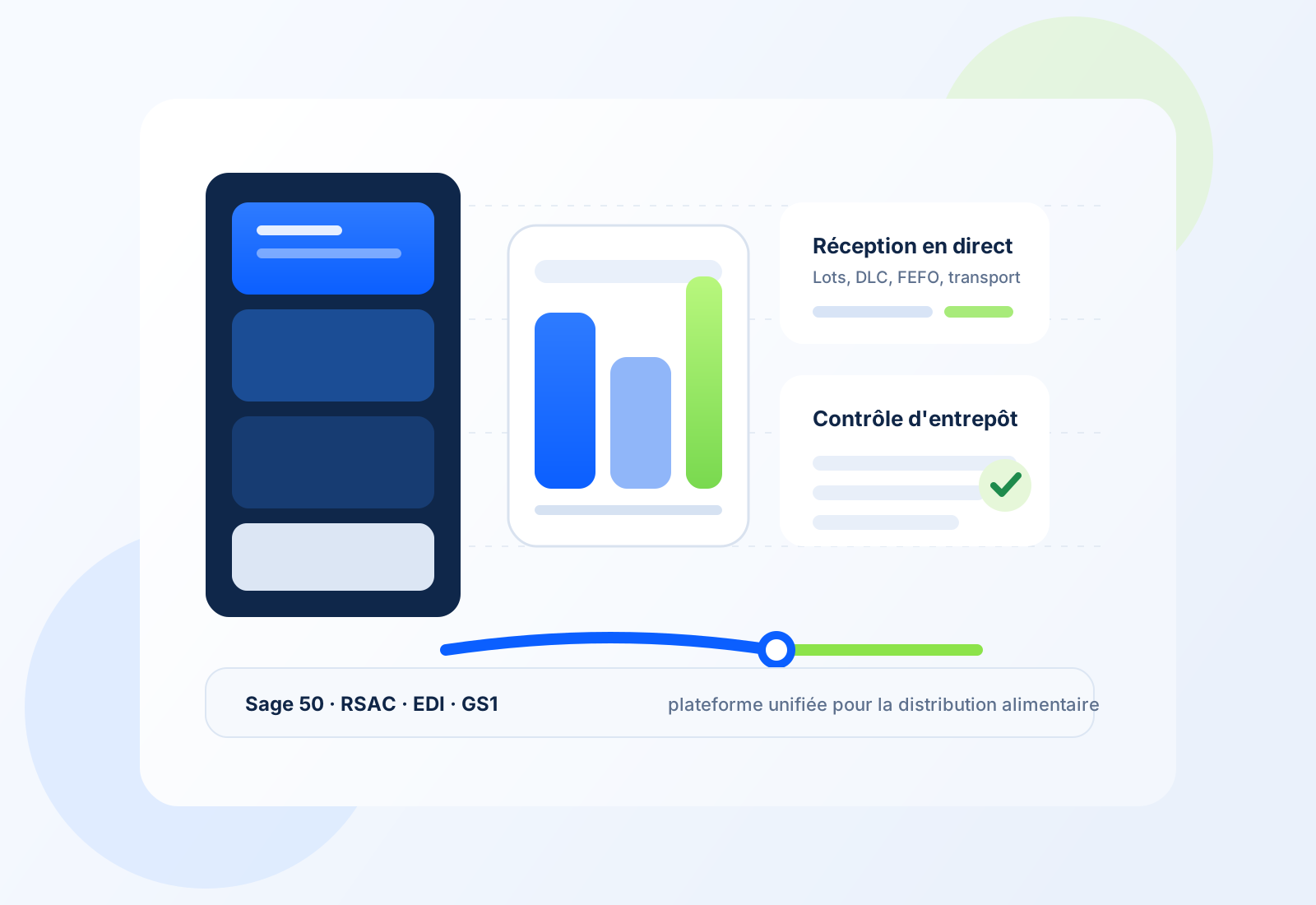
Sage 50, NetSuite, QuickBooks, or any of 15 supported systems. No rip-and-replace.
 02Shared control loop
02
Transactional outbox, traceability, quality, and device provisioning keep every client on the same operational truth.
03Floor execution03
PDA, desktop, web admin, TV display, labels, EDI, and reporting move from the same module base.
Four failure patterns show up again and again in growing 3PL and food distribution operations. This is where Entropia changes the floor rhythm first.
Generic ERPs cannot manage perishable inventory properly. You write off expired product, emergency-order at premium rates, and still face stockouts when demand spikes.
Manual EDI and paper pick tickets lead to wrong shipments, ASN discrepancies, and costly chargebacks from Loblaws, Metro, Walmart, and other retail programs.
Paper receiving and manual spreadsheets do not hold up in peak season. Teams work longer, make more errors, and still miss delivery windows.
Traditional WMS rollouts drag on for months, depend on outside consultants, and introduce risk exactly when your operation is under the most pressure.
These are the numbers people repeat after receiving goes live, recall prep gets tested, and retailer onboarding stops being manual theatre.
Inbound velocityLess waiting at the dock, less re-entry, and more product available faster without replacing Sage.
 Expiry control
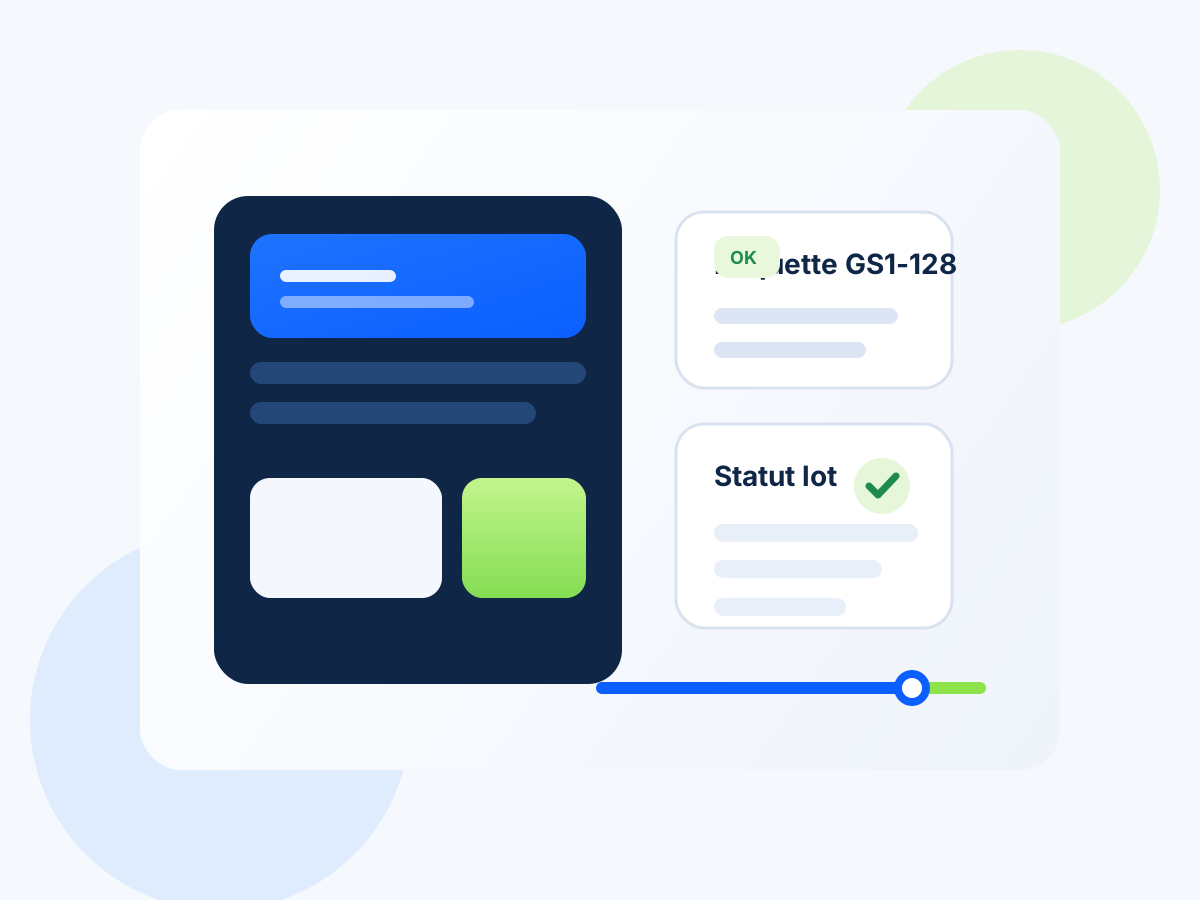
FEFO, lot status, and traceability line up before orders leave the building.
Retail-ready setupYou start from a retailer-ready operating base instead of rebuilding each flow by hand.
Lot recallWhen a quality or recall question arrives, the team gets to the answer quickly and without chaos.
The real decision is whether warehouse, quality, compliance, production, maintenance, and ERP control can work together without multiplying systems.
| Capability | Entropia | Generic WMS | Spreadsheets | ERP-only |
|---|---|---|---|---|
| Native Sage 50 Quantum Canada bridge | ● | — | — | — |
| 15 ERP connectors + NoERP mode | ● | — | — | — |
| Warehouse + food + quality + compliance on one stack | ● | — | — | — |
| Butchery and catch-weight workflows | ● | — | — | — |
| SFCR traceability, PCP, and recall workbench | ● | — | — | — |
| Retail EDI 850/856/810 + GS1/SSCC labels | ● | — | — | — |
| Android PDA, Windows desktop, web admin, and TV display | ● | — | — | — |
| Offline PDA with queued execution | ● | ● | — | — |
| Cold chain + IoT sensor mapping | ● | ● | — | — |
| Multi-tenant, per-module enablement, and RBAC | ● | — | — | — |
| Transactional outbox and replay-safe ERP writeback | ● | — | — | — |
| Scheduled reporting, webhooks, and operational observability | ● | — | — | — |
The Safe Food for Canadians Regulations (SFCR, Part 5) require every food business that trades interprovincially or imports to track product one step forward and one step back. Entropia turns that obligation into an operational advantage instead of a spreadsheet burden.
Identify each product by common name, lot code, and manufacturer identity (SFCR s.90(1)(a)).
Every receipt captures lot code, expiry, supplier, and product identity at the dock — scan-driven, not typed.
Trace one step back: document who supplied each ingredient, their address, and the date received (SFCR s.90(1)(c)).
Supplier identity, receipt date, and lot linkage are captured automatically on every inbound movement and retained per lot.
Trace one step forward: document who received the product, their address, and the date provided (SFCR s.90(1)(b)).
Every shipment records customer identity, destination, date, and lot composition — searchable from any lot in seconds.
Record the CFIA licence number of each supplier in your traceability documents.
Supplier records carry CFIA licence numbers and are included automatically in SFCR exports — no manual lookup at filing time.
Retain all traceability documents for two years, accessible in Canada (SFCR s.90(3)).
Every lot movement, status change, and shipment is retained with full audit history — no manual archive to maintain.
Produce traceability documents on demand when the CFIA requests them (SFCR s.91).
Generate CFIA-ready XML and PDF summaries from any lot in one action — structured for electronic submission, readable for your own review.
Run a mock recall drill on any lot and get the full impact picture — affected customers, shipments, quantities, and duration — in minutes, not hours. Every drill is logged with audit evidence so you can show the CFIA you rehearse, not just promise.
When the CFIA publishes a recall or safety alert, Entropia cross-references it against your stock automatically. Exact matches on Class I and II recalls block affected lots from shipping immediately. Probable matches land in a review queue so your team decides with context, not panic.
SFCR requires traceability documents kept for two years and accessible in Canada. Entropia retains every lot movement, receipt, shipment, and status change with full audit history — no manual archive, no gaps when an inspector comes knocking.
Generate SFCR traceability and recall XML payloads with supplier CFIA licence numbers, lot codes, shipment records, and customer exposure — structured for CFIA electronic submission, with a human-readable PDF summary for your own review before you file.
If you export to the United States, FSMA 204 requires supplier-lot traceability with rapid recall capability. Entropia tracks distributor lot codes and vendor linkages so the same data foundation serves both Canadian and US compliance without a second system.
When your operation needs something beyond the standard modules, the same engineers who built Entropia handle the customization. No third-party consultants, no relay, no black box handed off to someone who has never seen the codebase.
Entropia ships with 15 connectors out of the box. If your ERP is not on that list, or if your existing connector needs custom field mappings, posting rules, or reconciliation logic, our team builds and certifies it against your real environment — with simulation and shadow modes for safe go-live.
Beyond the 35+ built-in reports and 20+ label presets, we design custom reports with your columns, filters, grouping, and aggregates — and custom ZPL/PDF label templates that match your retailer or internal format exactly.
Over 25 operational policy knobs control receiving tolerance, FEFO enforcement, quality hold behavior, count variance, alert cadence, and more. We configure these to match your real operating discipline — not the other way around.
We migrate your products, customers, vendors, purchase orders, sales orders, invoices, and inventory quantities from Sage 50 or any ERP into Entropia with batch staging, validation, and reconciliation — then run shadow mode until you are confident the numbers match.
We configure outbound webhooks for your downstream systems, custom notification providers for SMS or push, and integration bridges to scales, printers, scanners, or IoT gateways that need specific handling.
Scope — We map your real requirement against the platform and define what is configuration vs. custom build
Build — The same engineers who built Entropia implement the customization with access to the full codebase
Validate — We test in simulation or shadow mode against your real data before anything goes live
Hand off — You receive documentation, training, and ongoing support from the team that built it
Warehouse execution, food controls, quality, production, maintenance, ERP, platform, and client surfaces — enabled per tenant, not forced all at once.
We walk receiving, traceability, quality, production, retail compliance, and warehouse execution using your real Sage 50 or multi-ERP scenario.